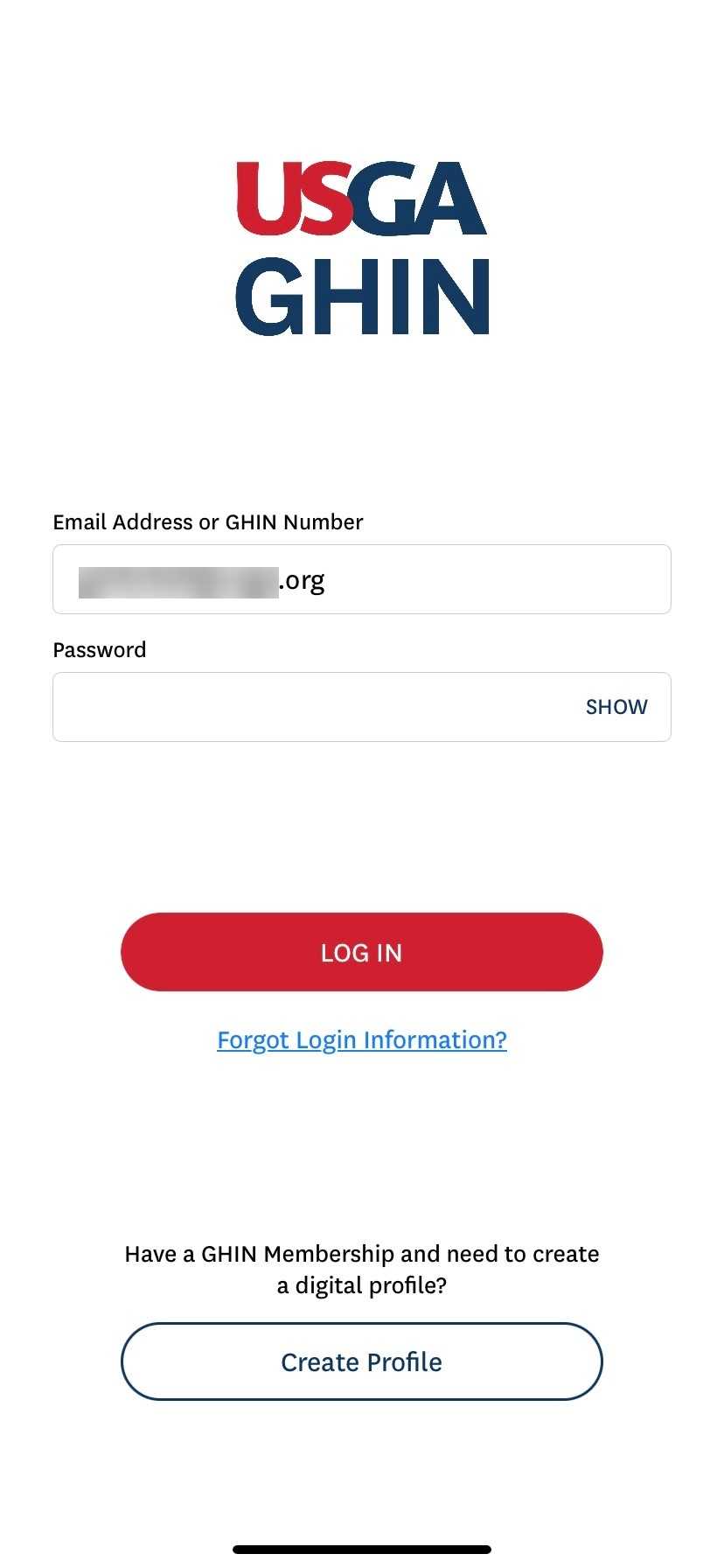
When logging in for a Minor golfer, the Guardian will enter their login credentials into the GHIN Mobile App:
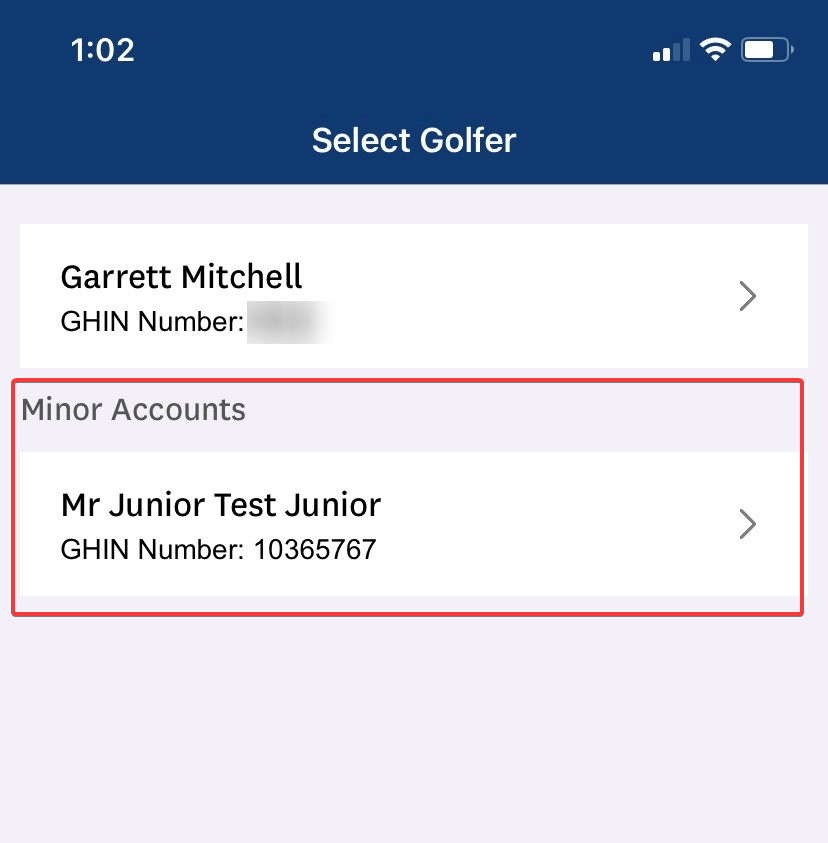
Upon logging in, Guardians will then be prompted to select which Golfer Profile they wish to select:
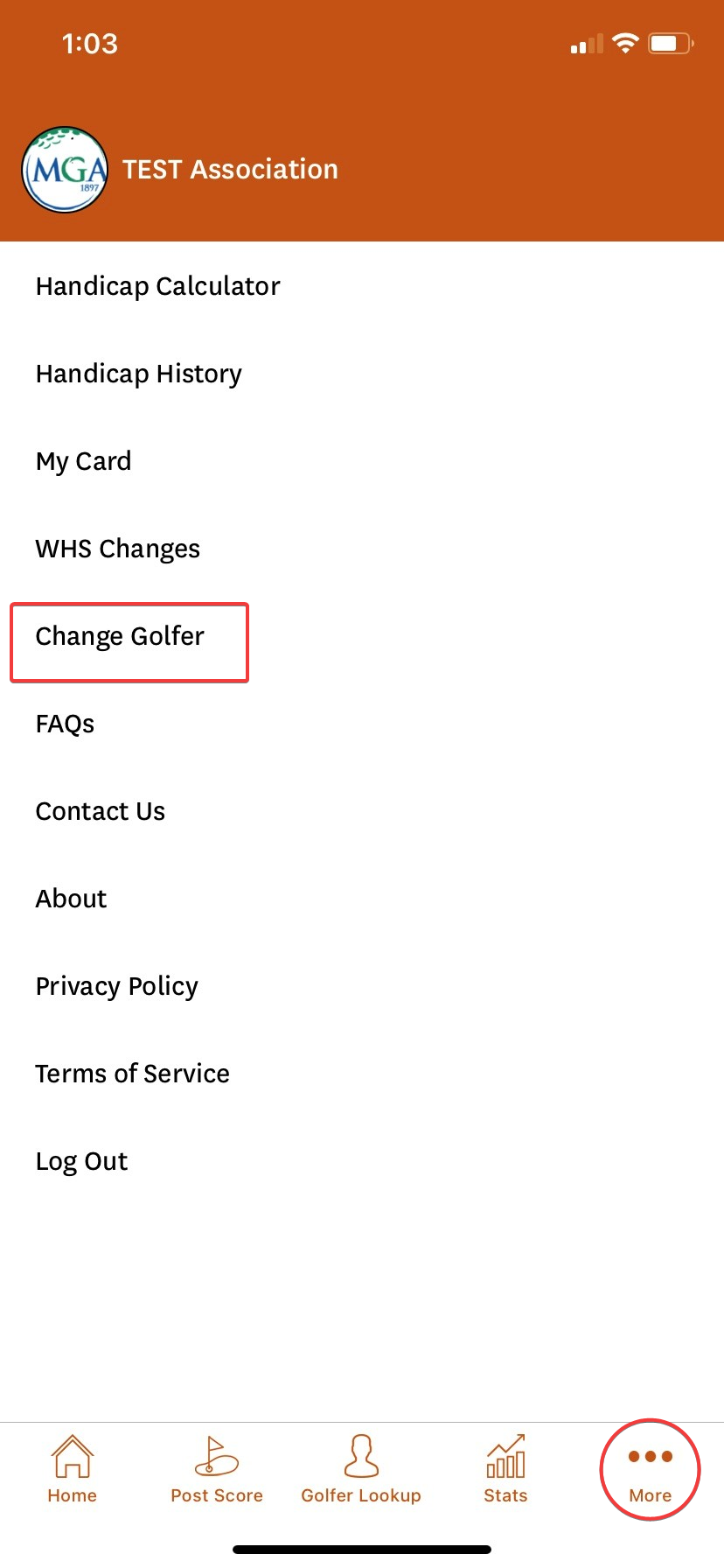
Once logged in, you can change golfer profiles by selecting the 'More' in the lower right-hand corner of the App. From there, you can select ' Change Golfer':
Once selecting 'Change Golfer', you will be brought back to the Main Screen for Golfer selection:
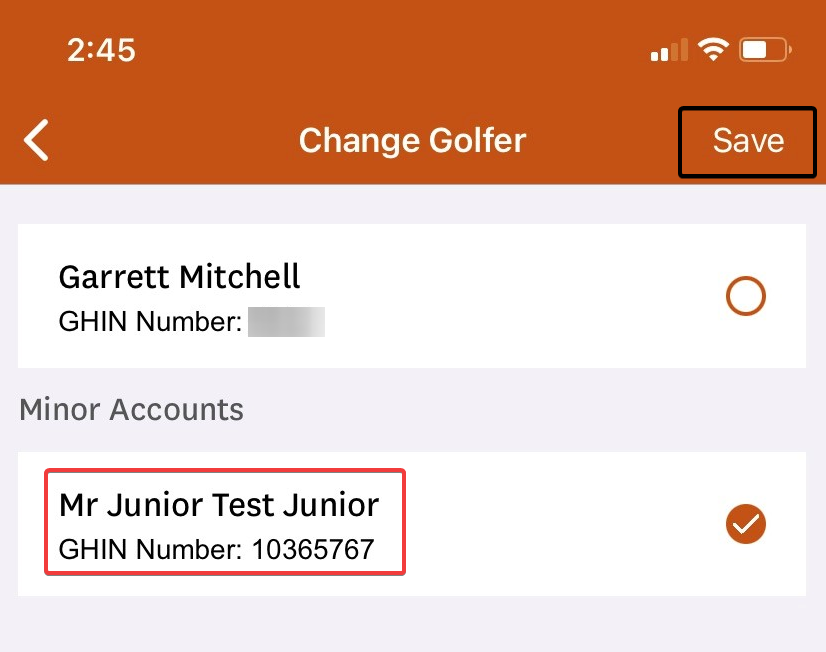
Click 'Save' in order to complete the changing of Golfer profiles.